Text to Video
Start without an asset. Describe the subject, action, environment, camera movement, timing, and sound.
- Fastest way to explore a direction
- Use 480P for early iterations
- Prompt controls the scene and timing
Create Wan 3.0 videos from a prompt, image, first and last frames, or mixed media references. Generate 2–30 second clips in up to 1080p with synchronized audio.
480p, 720p or 1080p · 2–30 seconds · 6 aspect ratios · Synchronized audio
Wan 3.0 AI Video Generator
Create from text, images, frames, video, or audio.
Billing: 5s output × 2 credits/s. Synchronized audio is included.
Watch a 30-Second Wan 3.0 Result
Preview Wan 3.0 on Mobile
Preview the result, then reuse its prompt as a starting point.
See how Wan 3.0 holds character identity, screen direction, and tension across a longer one-take scene.
A compact five-second preview keeps mobile loading light while demonstrating stable facial detail and natural background motion.
Generation modes
Choose a Wan 3.0 workflow based on whether you are starting with a prompt, image, first and last frames, or mixed media references.
Start without an asset. Describe the subject, action, environment, camera movement, timing, and sound.
Use one image to hold identity and composition while the prompt concentrates on movement.
Set the opening and closing states, then describe the transition that should happen between them.
Combine image, video, and audio references. Explain what each file controls in the final clip.
Wan 3.0 capabilities
Create longer clips, guide the result with mixed media references, choose the output resolution, and generate matching audio in one workflow.
Wan 3.0 capability
Choose 480P for fast concept testing, move to 720P for review, or create a native 1080P result when the direction is ready for presentation, social publishing, or an editing timeline.
Wan 3.0 capability
Use the longer timeline for a complete product reveal, narrative beat, or multi-stage action. Describe events in order so the model has an explicit beginning, middle, and final frame.
Wan 3.0 capability
Direct dialogue, ambience, music, and action sounds in the same prompt as the visual sequence. Review timing against visible events instead of treating sound as an unrelated layer.
Wan 3.0 capability
Start from text, animate a first frame, connect first and last frames, or combine image, video, and audio references. Tell the generator which asset controls identity, motion, composition, or sound.
Three-step workflow
Choose your input, describe the motion and sound, then review a short draft before creating the final version.
Pick text, image, first and last frame, or reference mode and add only the assets that contribute to the shot.
Write visible action, camera behavior, timing, and audio as concrete instructions instead of general adjectives.
Generate a shorter or lower-resolution pass, inspect identity and the middle beat, then refine the prompt.
Video showcase
Explore how Wan 3.0 handles brand storytelling, character animation, longer cinematic sequences, reference-guided portraits, and synchronized sound.
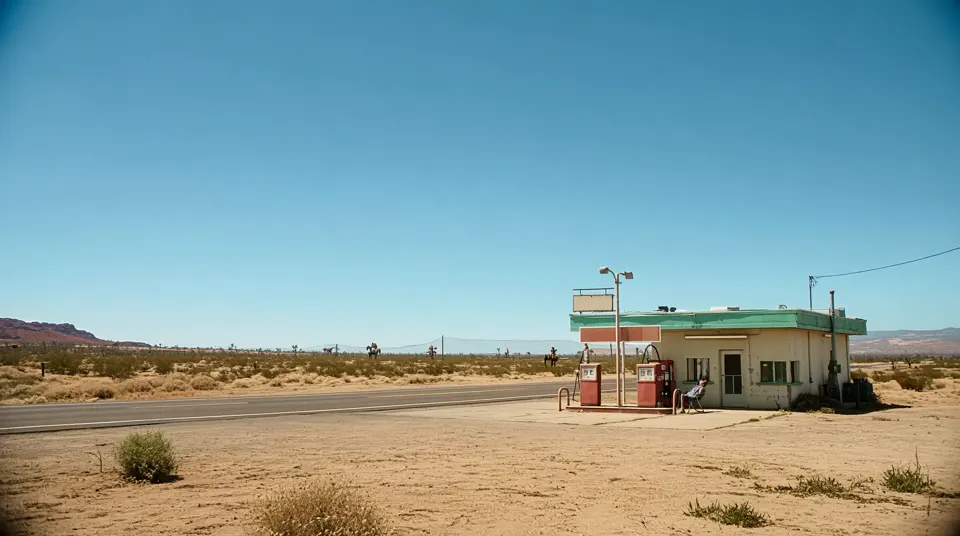
A cinematic roadside story built from consistent locations, characters, props, and product details.
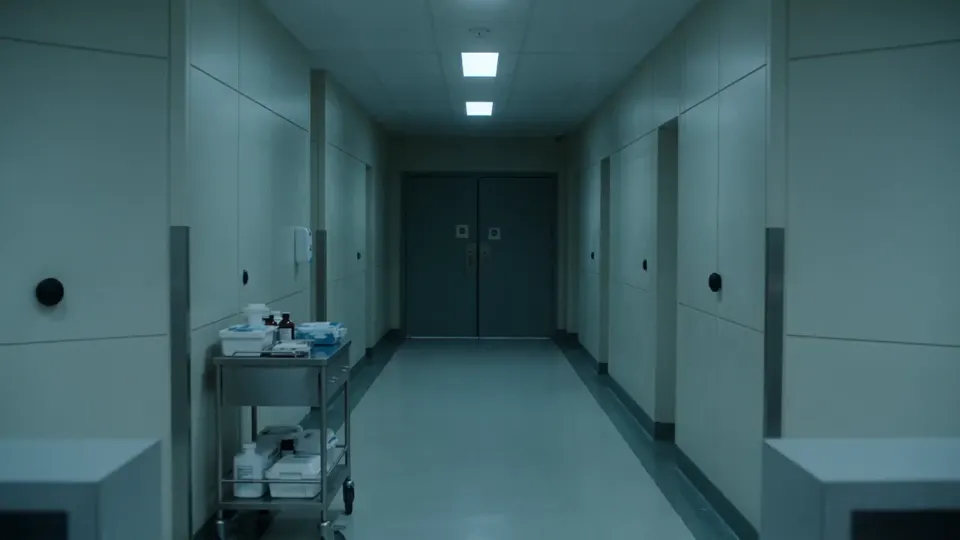
A tense continuous scene that holds its character, location, and emotional pacing across a longer shot.
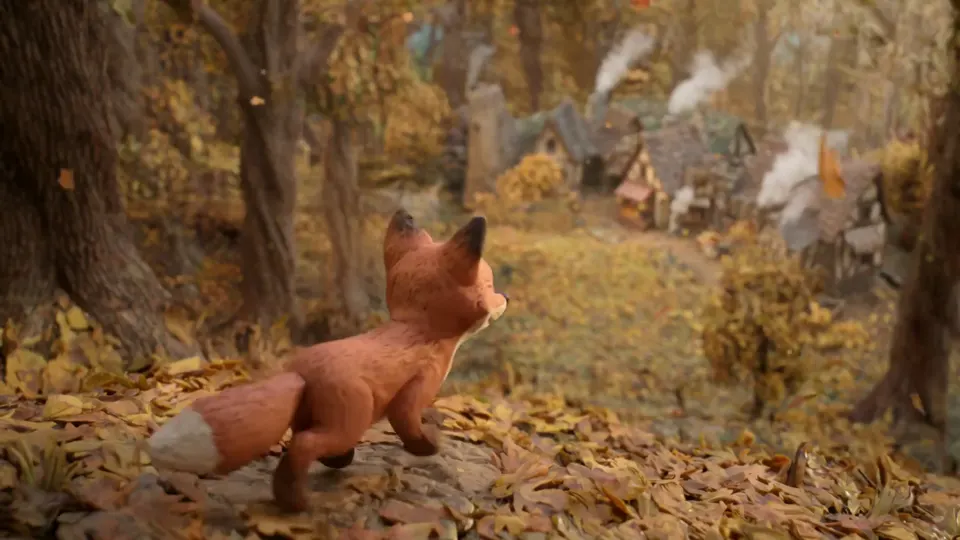
Handcrafted textures, character animation, environmental motion, and synchronized woodland sound.
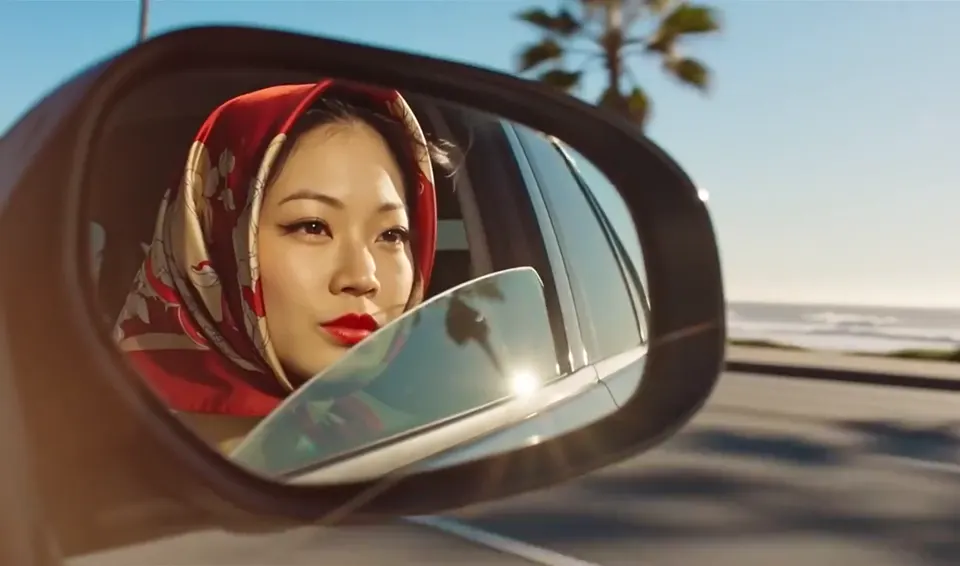
A compact reference-led shot with controlled facial detail, reflections, wardrobe, and moving scenery.
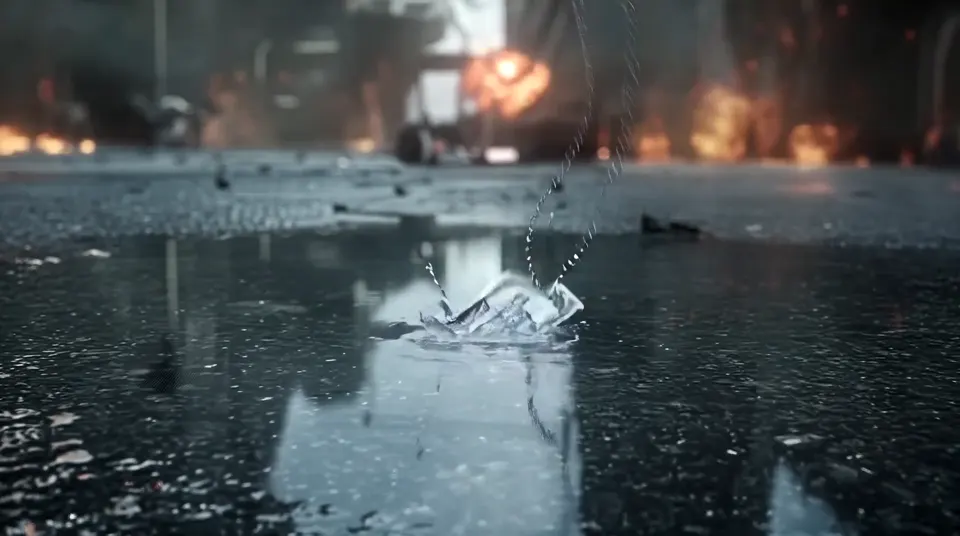
High-detail science fiction action with physical destruction, camera momentum, and a clear visual payoff.
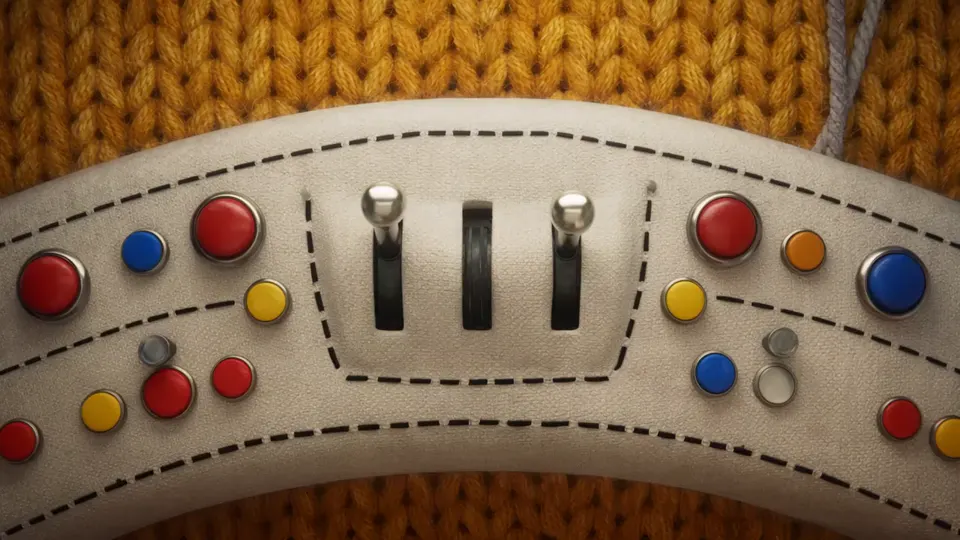
Soft-body animation, playful character design, and fast FPV movement inside a tactile fabric universe.
Wan model comparison
Compare input types, duration, resolution, audio, reference control, and the production tasks each Wan video model handles best.
| Comparison | Wan 3.0Current | Wan 2.7 | Wan 2.6 | Wan 2.5 |
|---|---|---|---|---|
| Primary workflow | Long multimodal production | Cinematic control and editing | Reference-led multi-shot video | Fast short-form creation |
| Input types | Text, images, first/last frames, video, audio | Text, image, first/last frames, references, editing | Text, image, reference video | Text and image |
| Output duration | 2–30 seconds | 2–15 seconds | Up to 15 seconds | 5 or 10 seconds |
| Resolution options | 480P, 720P, 1080P | Up to 1080P | Up to 1080P | 480P, 720P, 1080P |
| Synchronized audio | Included | Included | Included | Included |
| First and last frame control | Yes | Yes | Image-led workflow | Not the primary workflow |
| Video reference input | Yes | Yes | Yes | No |
| Mixed media references | Images, video, and audio | Reference and editing workflows | Reference video focus | No |
| Multi-shot direction | Designed for longer ordered beats | Supported for cinematic sequences | Core strength | Best for compact single concepts |
| Best fit | Campaigns, narratives, complete product stories | Controlled cinematic drafts and edits | Character-led multi-scene stories | Social tests and rapid prototypes |
FAQ
Answers about Wan 3.0 references, framing, credit use, output duration, aspect ratios, audio, and commercial usage.
The Wan 3.0 AI Video Generator is a browser workspace for creating 2–30 second videos from text, images, first and last frames, or mixed image, video, and audio references. You can select 480P, 720P, or 1080P output and review the credit total before submitting a task.
Yes. Choose Text to Video when you want to start from a prompt. Choose First & Last Frame to animate one image or guide the opening and ending. Choose Reference to Video when images, video clips, or audio should control identity, motion, composition, or sound.
The generator supports an output duration from 2 to 30 seconds. For longer clips, describe actions in chronological order and test a shorter draft first so you can inspect identity, pacing, and the middle of the sequence before spending more credits.
This workspace offers 480P, 720P, and 1080P output with adaptive, 16:9, 9:16, 1:1, 4:3, and 3:4 framing. Choose the final publishing format before writing the prompt so subject position and camera direction match the intended crop.
For Wan 3.0 Standard, the displayed rate is 2 credits per second at 480P, 3 credits per second at 720P, and 4 credits per second at 1080P. The generator calculates the total from the selected duration and shows it before submission. Prime rates are shown when that model is selected.
When a reference video is included, billable time is the rounded-up input-video duration plus the selected output duration. For example, a 10-second input and 30-second 480P output uses 40 billable seconds × 2 credits per second, for an estimated total of 80 credits.
Yes. Audio is included in the Wan 3.0 workflow. Describe dialogue, ambience, music, or action sounds together with the visible event they should match. You can also add an audio reference and explain whether it guides voice, rhythm, or atmosphere.
Use clear reference images, avoid conflicting assets, and repeat the exact traits that must remain stable: face, clothing, product shape, color, lighting, and environment. State what each reference controls and keep the first test short before creating a longer version.
Commercial use depends on the current Terms of Service and the rights attached to every uploaded asset. Use only references, music, voices, logos, and likenesses you are authorized to use, then review the generated result before publishing it.
Keep the task ID, check your generation history and credit record, and retry only after reviewing file format, reference duration, prompt length, and account balance. If the task was charged without a usable result, contact support with the task ID for investigation.
Choose a mode, add the references that matter, and confirm the estimated credit cost before generation.
Start Creating with Wan 3.0